WordPress Constants
Autoscale generates wp-config.php per environment. It is not part of your repository and cannot be edited. Set your own constants in config/config.php in your repository, or, for sensitive values, as secrets in the User Portal.
Load order
Section titled “Load order”require_once '/config/platform.php';
if ( file_exists( __DIR__ . '/wp-content/config/config.php' ) ) { require_once __DIR__ . '/wp-content/config/config.php';}platform.php holds the platform-managed constants, followed by your secrets. config/config.php loads last.
The first define() of a constant wins, so precedence is platform constants, then secrets, then config/config.php. Redefining an earlier name has no effect and emits a PHP warning.
Platform-managed constants
Section titled “Platform-managed constants”These are set for every environment and cannot be overridden.
| Constant | Value | Notes |
|---|---|---|
PWP_NAME |
Your environment name, as in the User Portal | Fixed when the environment is created. Unique across WP Engine. |
WPE_PLATFORM_NAME |
autoscale |
Always this value on Autoscale. Use it to detect that your code is running on the platform. |
Defining your own constants
Section titled “Defining your own constants”Add config/config.php to the root of your repository. It is built into your image, so changes require a deployment.
Guard every define() call:
<?php
if ( ! defined( 'WP_MEMORY_LIMIT' ) ) {  define( 'WP_MEMORY_LIMIT', '512M' );}
if ( ! defined( 'MY_APP_API_BASE' ) ) {  define(    'MY_APP_API_BASE',    'my-site-prod' === PWP_NAME ? 'https://api.example.com' : 'https://sandbox.api.example.com'  );}
Because config/config.php is the same file in every environment, branch on PWP_NAME when a value needs to differ between them. For values that should not be in your repository at all, use secrets, which are set per environment.
For the constants WordPress itself recognizes, see the wp-config.php reference.
Secrets
Section titled “Secrets”A secret is a constant whose value is stored by WP Engine rather than in your repository. Values are set per environment and never appear in Git or in your built image.
Manage them in the User Portal under Environment Secrets:
https://my.wpengine.com/installs/<environment-name>/environment_secrets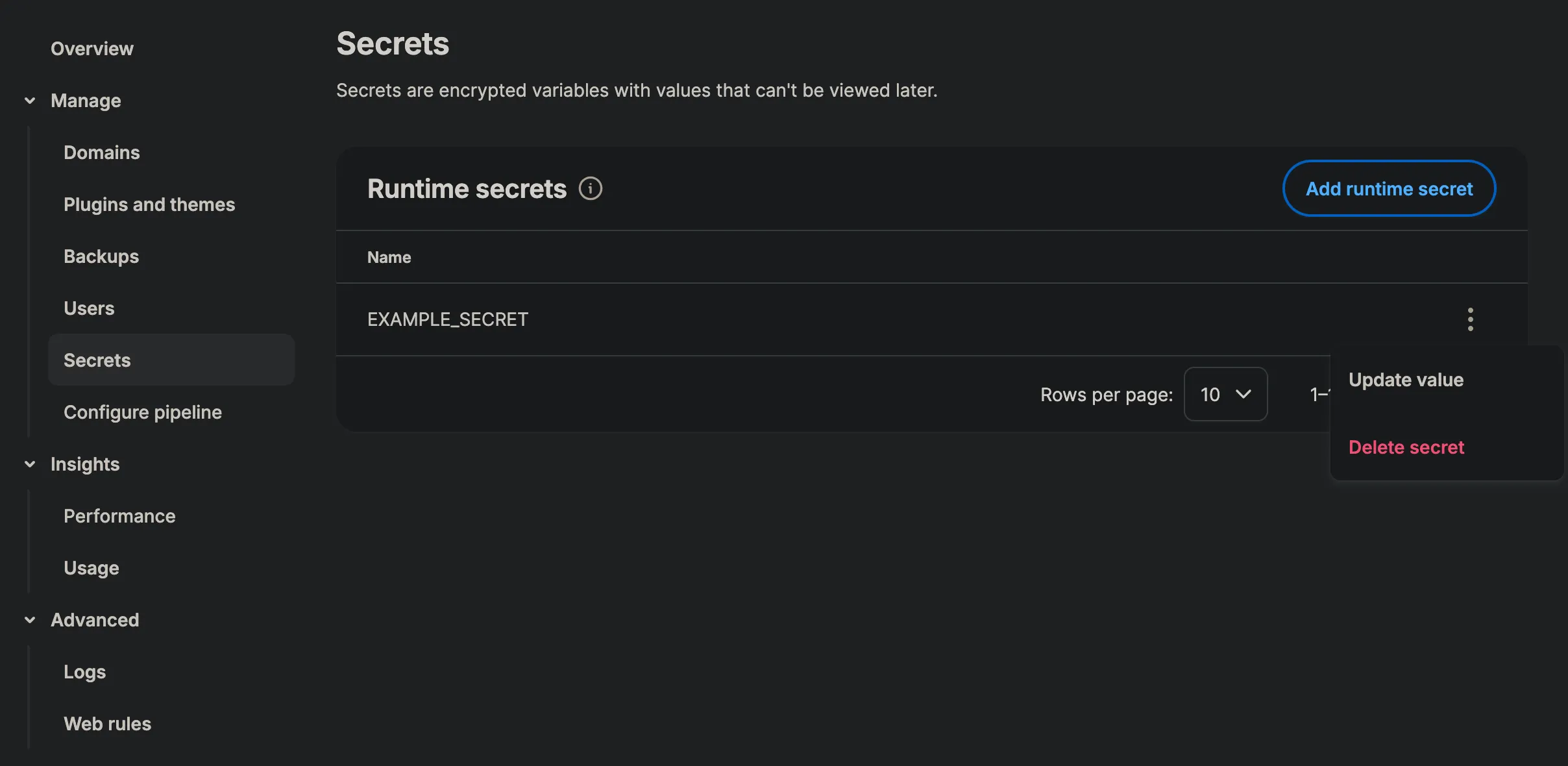
The name you enter becomes the constant. A secret named EXAMPLE_SECRET is defined for you at startup:
define( 'EXAMPLE_SECRET', 'the value you entered' );| Field | Rule |
|---|---|
| Name | Letters, numbers, and underscores only, starting with a letter or an underscore. |
| Name | Unique within the environment, ignoring case. |
| Value | Required, and cannot be empty. |
| Value | A single line of printable text. Single quotes, double quotes, and backslashes are not accepted. |
Reading a constant in your code
Section titled “Reading a constant in your code”Constants behave the same whatever defined them. A platform constant, one from config/config.php, and a secret are all read by name from any theme, plugin, or must-use plugin:
$response = wp_remote_get( 'https://api.example.com/v1/orders', array( 'headers' => array( 'Authorization' => 'Bearer ' . EXAMPLE_SECRET ), ));All three sources load before WordPress loads plugins and themes, so a constant is available everywhere your code runs. Use defined() first for anything optional, such as a secret that exists in production but not in every environment:
$api_key = defined( 'EXAMPLE_SECRET' ) ? EXAMPLE_SECRET : '';